Welcome to DTB Wearables
Top NFC Wearables
For Effortless Tap
& Pay
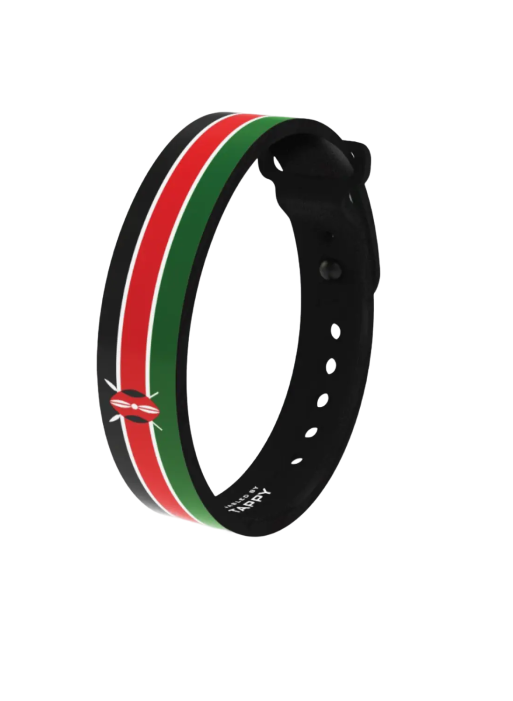
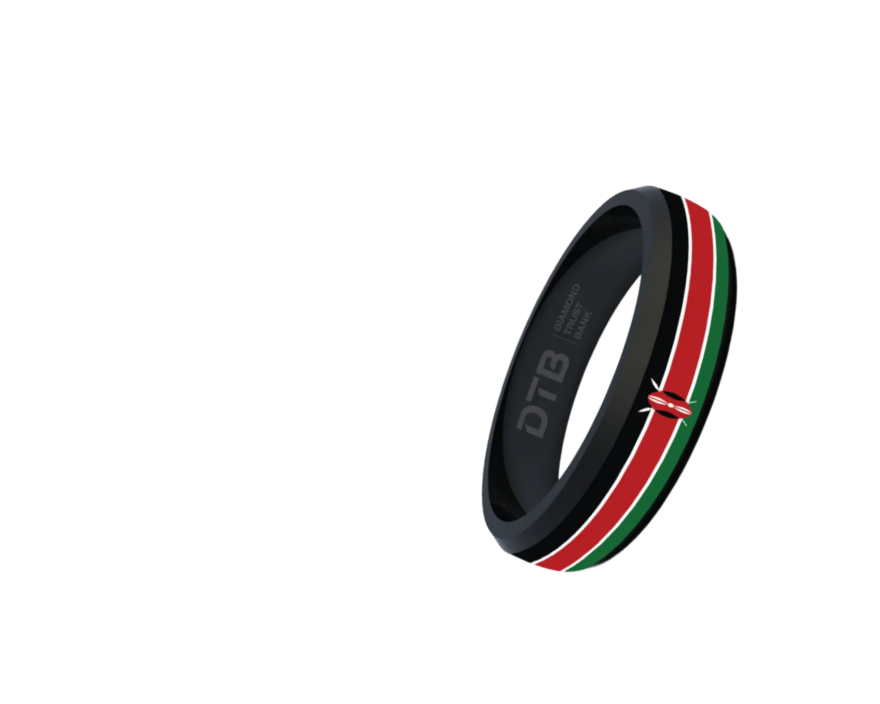
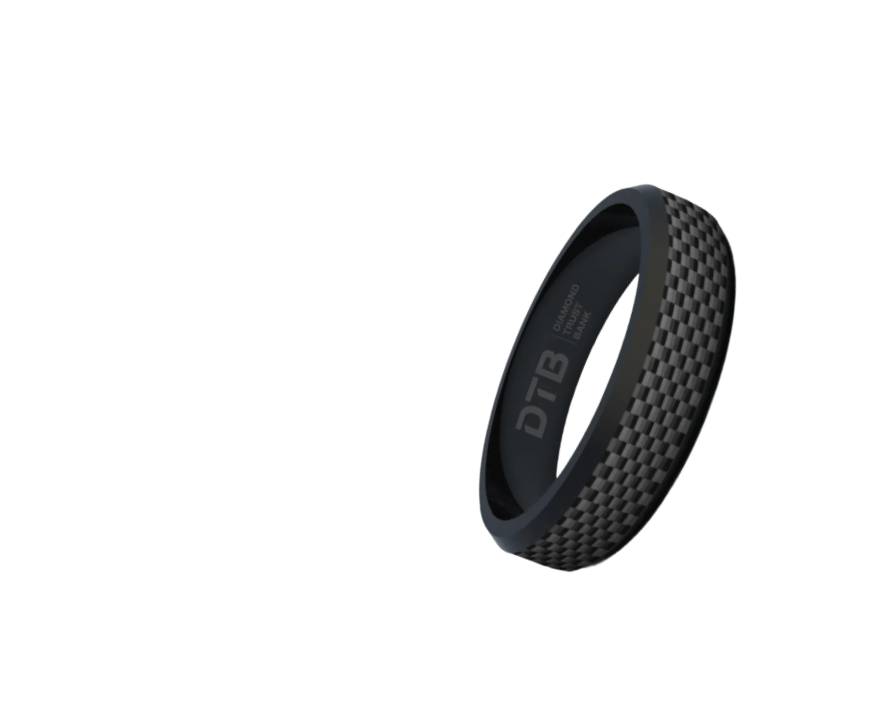
Select Device(s)
Choose preferred wearable devicesFill In Details
Provide your payment informationConfirm & Submit
Review your order and submit your applicationFeatured Wearables
Crafted to Impress.
Designed to Endure.
Frequently Asked Questions
Everything you need to know about the NFC wearables
A wearable contactless payment device is a smart accessory—such as a ring, wristband, or watch—embedded with NFC (Near Field Communication) technology that allows users to make secure payments by simply tapping the device on a compatible payment terminal.
Each device is embedded with NFC technology for seamless payments.We currently offer:
- Silicon Bands – sporty, waterproof and flexible wristbands
- Ceramic Rings – elegant, scratch-resistant rings
- Ceroxy Rings – premium rings with advanced features and durability
To set up your payment wearable, you will need to download the Tappy Pay mobile application and create an account. Visit the branch to setup the wearable device.
To make a payment, simply tap your wearable device at the payment terminal. You will receive a notification on your mobile app and a confirmation on the payment terminal screen after a successful transaction.
You can use your wearable at any payment terminal that supports contactless payments—look for the contactless symbol. This includes supermarkets, restaurants, public transport, and more.
Yes. Our wearables use encrypted NFC technology, ensuring secure transactions. They do not store personal data directly on the device, and you can deactivate them remotely if lost. You can suspend or deactivate your payment wearable by opening the Tappy Pay mobile app and tap on the wearable image and navigate to the “Lock or Delete” button. From there, you can temporarily suspend/ resume or delete the wearable device permanently.
If you lose your payment wearable, you can temporarily suspend your wearable device(s) through the Tappy Pay mobile app to prevent unauthorized transactions. You can also permanently deactivate the wearable by contacting DTB.
There are no additional fees for using the payment wearable. Normal card transaction charges apply.
You can view your transaction history on your payment wearable by opening the Tappy Pay mobile app and navigate to “Transaction History” tab. From there, you can view your last 10 transactions, including the date, amount, and merchant name.
Bank with us. Bank on us.
Get the app
© Copyright 2025 - Diamond Trust Bank. All rights reserved.